



Shopify Speed & Performance
Why Your Shopify Store Has Layout Shifts, and How to Investigate Them
Why product pages jump while they load, the theme habits that cause it, and how to trace a layout shift to the element responsible.
7 min read
ANONYMISED CASE STUDY · PERFORMANCE ENGINEERING
A Shopify storefront needed focused improvements to media delivery and visual stability. Rather than proposing a full redesign, the work targeted specific technical issues affecting product templates.
Anonymised client project · Performance Engineering
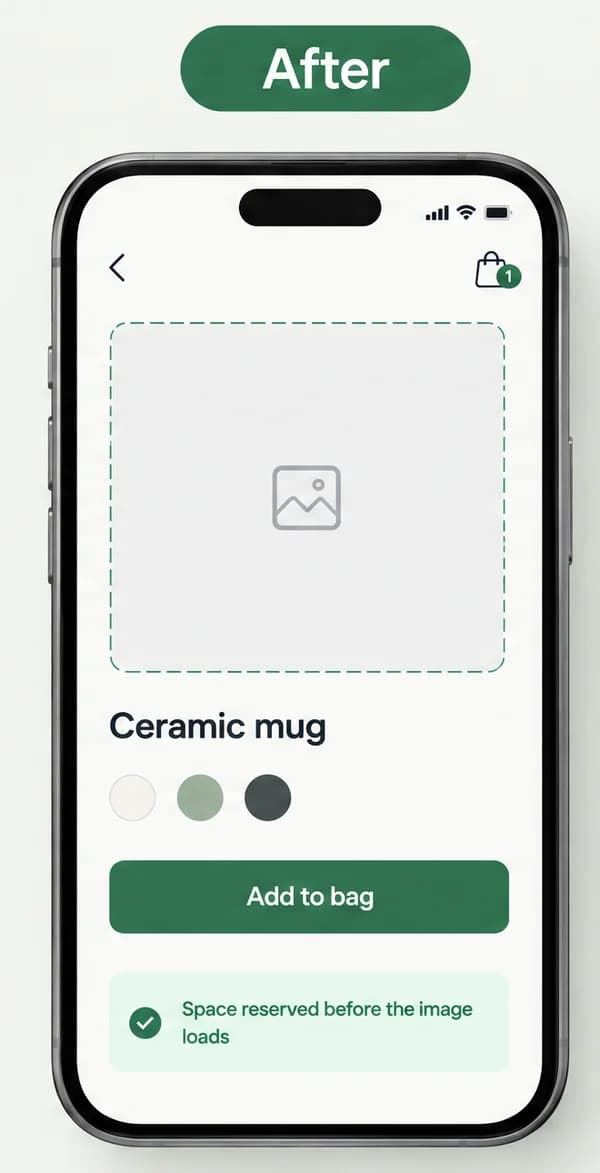
Illustration of two phones showing the same product page. Before: the product photo has loaded and pushed the title, colour swatches and Add to bag button down the screen. After: a placeholder already holds the photo's space, so the content below stays in place.
Illustrative example · not a client storeThe store did not need a redesign or a new app. It needed two specific problems fixed at template level, so that one change covered every product page, and it needed the work measured the same way before and after so the comparison would be fair.
Anonymised client project: Anonymised Shopify retailer. Selected projects are anonymised to respect client confidentiality.
What we found
Product images without declared dimensions can cause layout shifts as a page renders: the browser does not know how much space to reserve, so content jumps when each image arrives. Video delivery can also add unnecessary overhead to product pages. The project addressed both areas through targeted implementation.
The theme rendered product gallery images with empty width and height attributes. Until each file arrived, the browser had no way to know how much space to keep for it.
Product pages with a video section played the original high-resolution file, set to autoplay, rather than a version prepared for the screen it was being watched on.
Because the images and the video came from the theme's product template, every product page inherited them. Fixing the template would fix the pages; editing pages one by one would not.
Before changing anything
We reviewed the product templates and media sections of the theme to find where images were rendered without width and height attributes, and how product videos were being requested and loaded. The review concentrated on the product page, because that is where shoppers make the decision to buy and where media is heaviest.
Diagram of the theme files reviewed: the product template, the media gallery snippet that rendered images without dimensions, and the video section that autoplayed the original file.
Measure first, change a copy of the theme, check it against the live store, then measure again the same way.
Before any change
Theme duplicate
Image snippet and video section
Real browser, phone and desktop
Same pages, same tool
The work completed
The image snippet now writes each image's real width and height into the markup. The browser reads the shape before the file arrives, reserves the right space, and nothing below the image moves when it appears.
Code change in the image snippet: empty width and height attributes replaced with the image's own width and height.
The video section no longer requests the original file as the page opens. It shows a poster image first and asks for a compressed version, sized for phones or larger screens, only when a shopper scrolls near it. The product gallery video now downloads only when a shopper opens it.
Two loading sequences. Before: the page requests the original video file as it opens. After: a poster shows first and a compressed version is requested only when the shopper scrolls near the video.
Testing on phones showed that a colour-swatch script scrolled the page down shortly after it loaded, past the product photos. The script was corrected so the page stays where the shopper left it, with colour switching working exactly as before.
Evidence
The implementation scope and the fixes applied were documented for the handover. The final post-change Core Web Vitals and conversion results are not yet confirmed for public use, so this case study does not claim a particular percentage speed improvement or sales uplift.
| Area | Status | Note |
|---|---|---|
| Product images | Verified | Width and height declared where they were previously missing. |
| Product videos | Verified | Delivery changed from the original embed to an optimised approach. |
| Handover | Verified | Scope and completed fixes recorded in a written handover. |
| Post-change Core Web Vitals | Out of scope | Not confirmed for public use; no figure is claimed. |
This case study describes the scope and the completed fixes. It does not claim a measured speed improvement.
Declared dimensions on product images, set once in the template and inherited by every product page.
A poster first, then a compressed version for the shopper's screen size, requested only when the video comes into view.
A written handover describing the scope, each completed fix and how it was measured.
What you receive
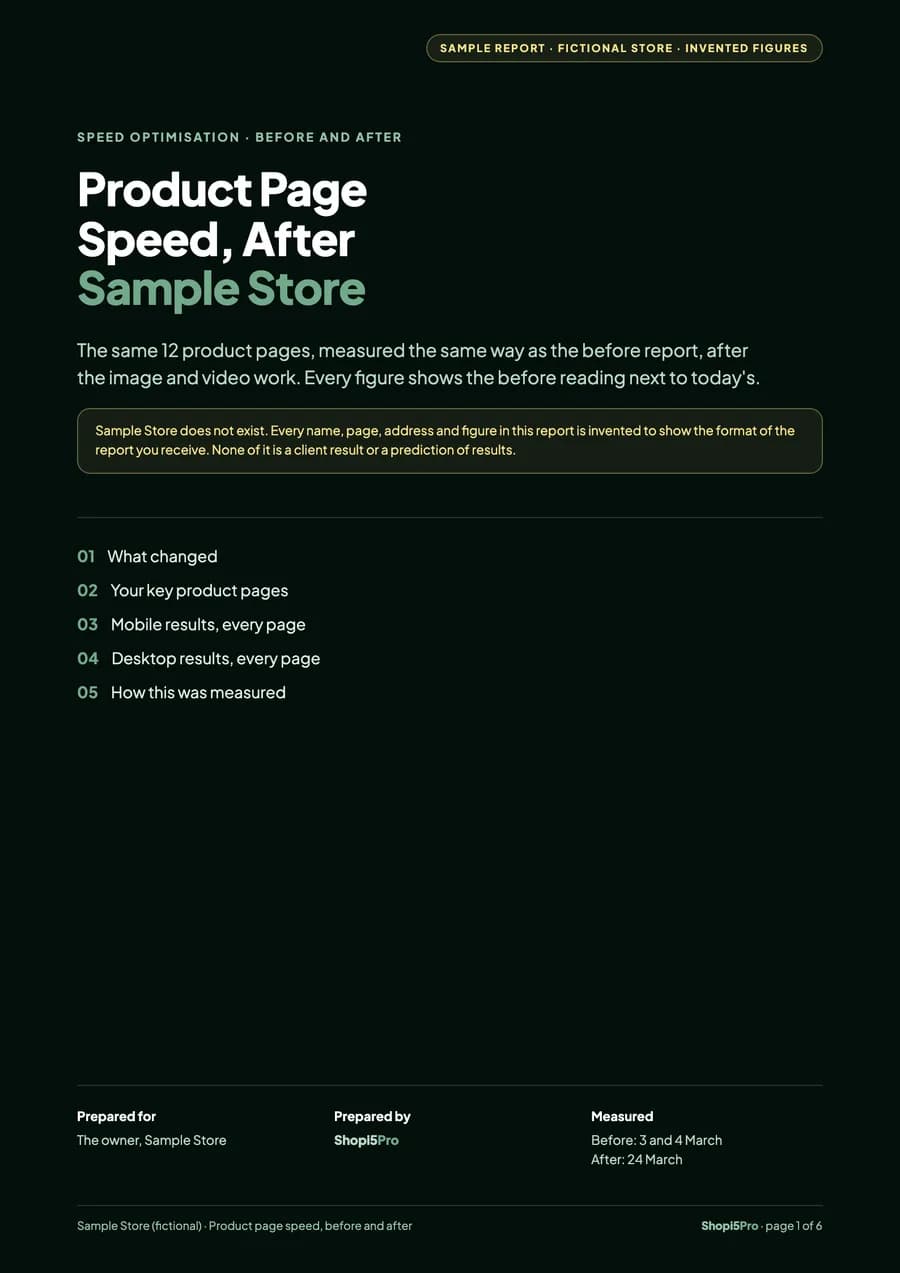
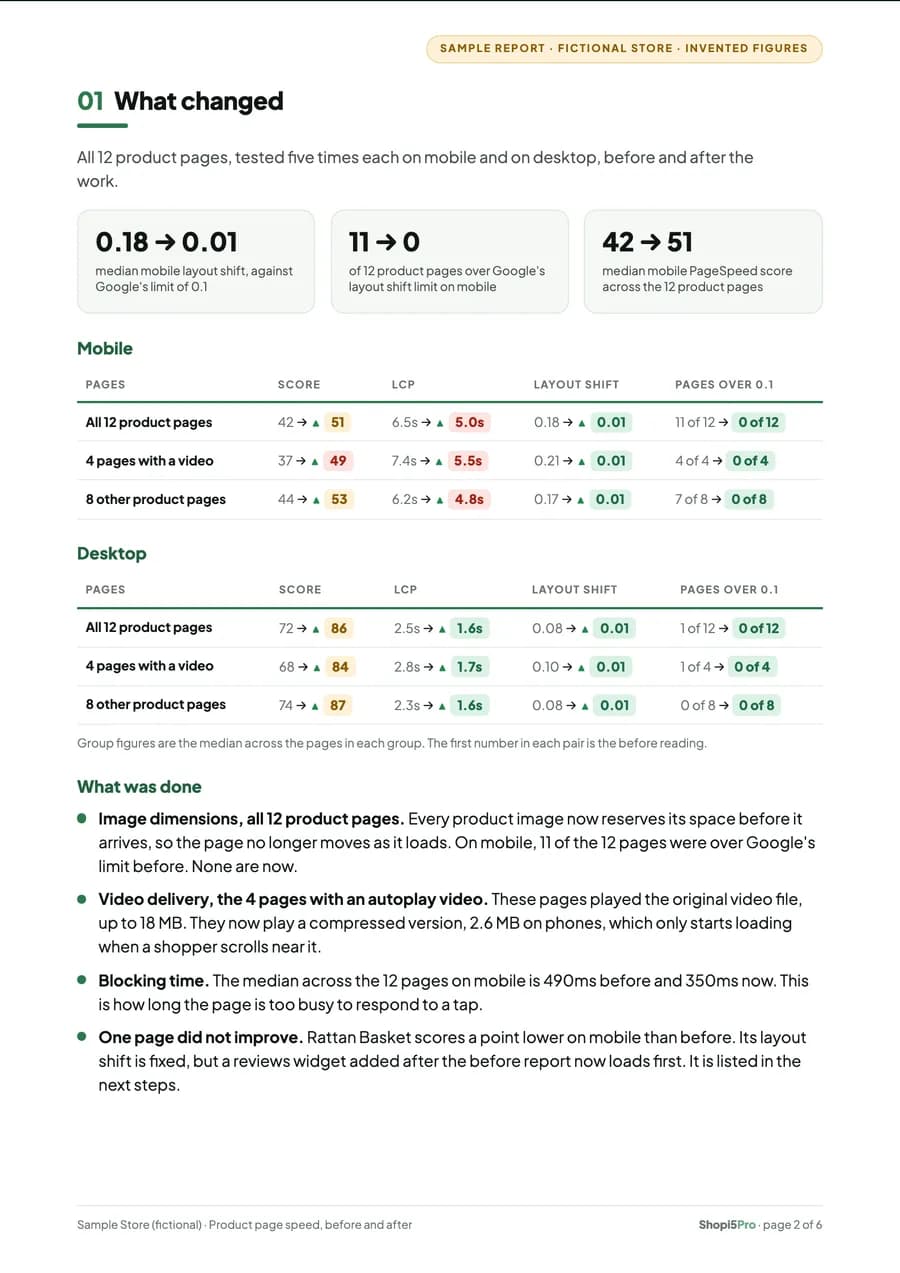
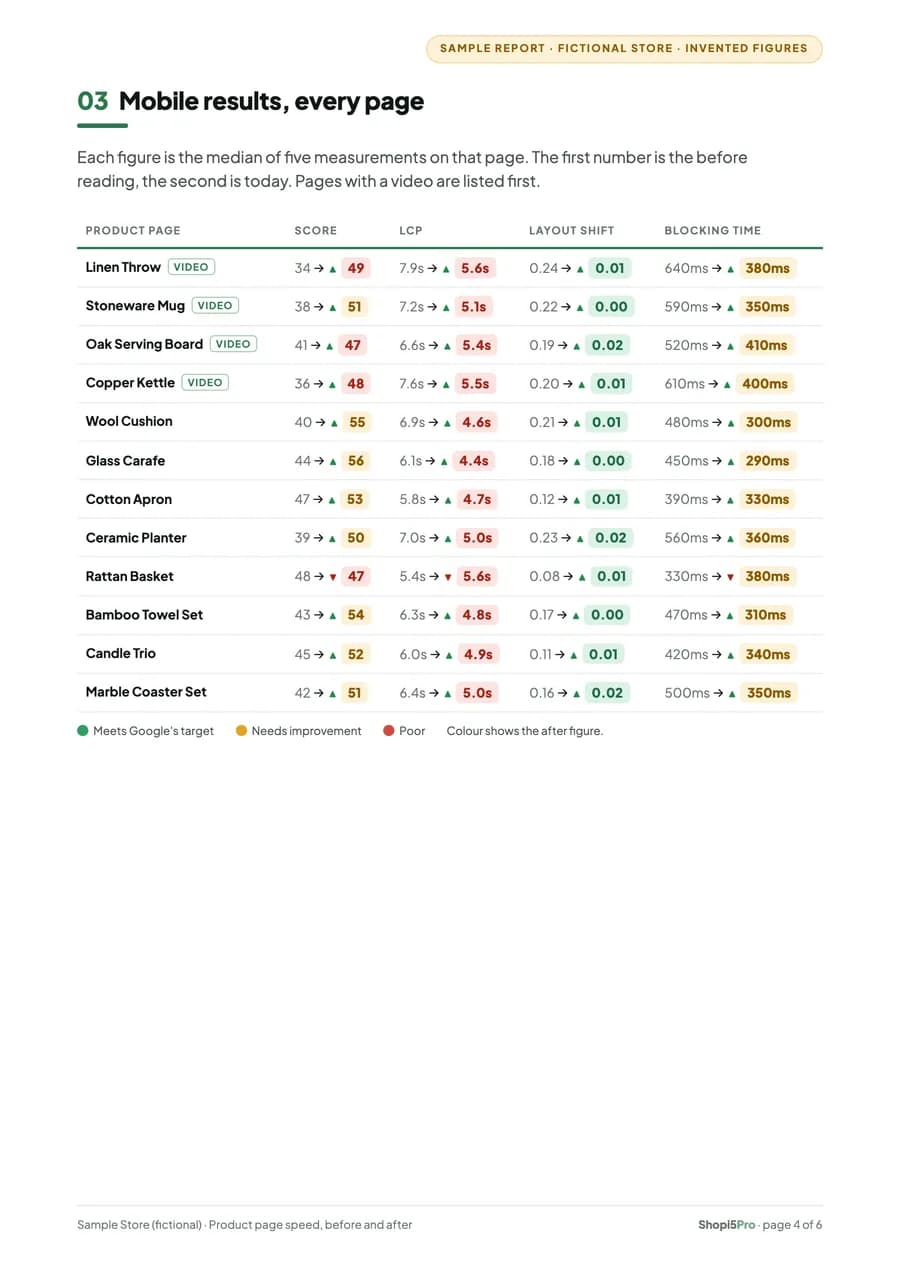
A speed project ends with a written before-and-after report: every product page measured the same way twice, with the before reading next to the after. This sample uses a fictional store, so every name and figure in it is invented.
Sample report · fictional store · invented figures
6 pages · A4 · opens in a new tab
Declared image dimensions let the browser reserve the right space before an image loads, so the page does not shift under a shopper who is reading or about to tap. Lighter video delivery reduces what a product page must download before it becomes useful, which matters most on mobile and slower connections. Both are the kind of focused change that improves the shopping experience without a redesign or a new app.
Project details are anonymised. The work described is drawn from a documented technical handover and does not imply a guaranteed performance outcome.
SEO & Performance
Investigate Core Web Vitals, reduce avoidable bottlenecks and make pages more stable and responsive.
Explore PerformanceDevelopment
Troubleshoot broken layouts, cart behaviour, app conflicts and other frustrating storefront issues.
Explore FixesGuides and case studies that explain this work in more depth.
Shopify Speed & Performance
Why product pages jump while they load, the theme habits that cause it, and how to trace a layout shift to the element responsible.
7 min read

Tell us which pages feel slow or jumpy, and on which devices. A screenshot or a link to a PageSpeed result helps.
You don't need a technical specification. A description of what you're seeing is enough to start.
Helpful to include