



Shopify Speed & Performance
Why Your Shopify Store Has Layout Shifts, and How to Investigate Them
Why product pages jump while they load, the theme habits that cause it, and how to trace a layout shift to the element responsible.
7 min read
Development
When something breaks on your store, you need a clear diagnosis and a reliable fix, not another workaround. We troubleshoot the issue and address its underlying cause wherever practical, so the store gets back to selling and the same problem doesn't return next week.
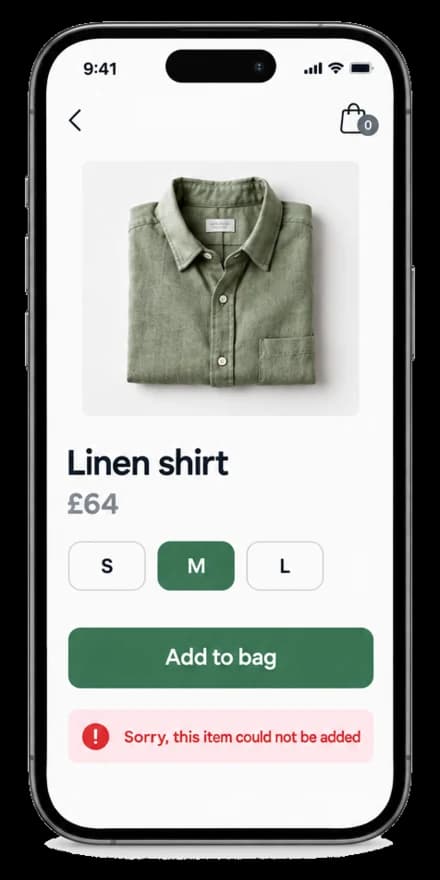
Illustrative issue diagnosis for an example store: a product page where adding one size to the bag fails with an error. The diagnosis shows the issue reproduced on phones and desktop, the cause found in the theme's cart script (it sent the first variant's id instead of the selected one), a one-line fix made in a preview theme, the customer journey tested on three devices, and a written handover. Not a client project.
Illustrative example · an example issue, not a client projectCustomers can add to cart, pick variants and check out without hitting the error that has been costing you orders.
Your team stops relying on workarounds, such as switching features off or correcting orders by hand, while a bug sits unresolved.
The underlying cause is dealt with where practical, so a theme or app update is less likely to break the same thing again.
Each problem is shown as an illustration of an example store, not a client's.
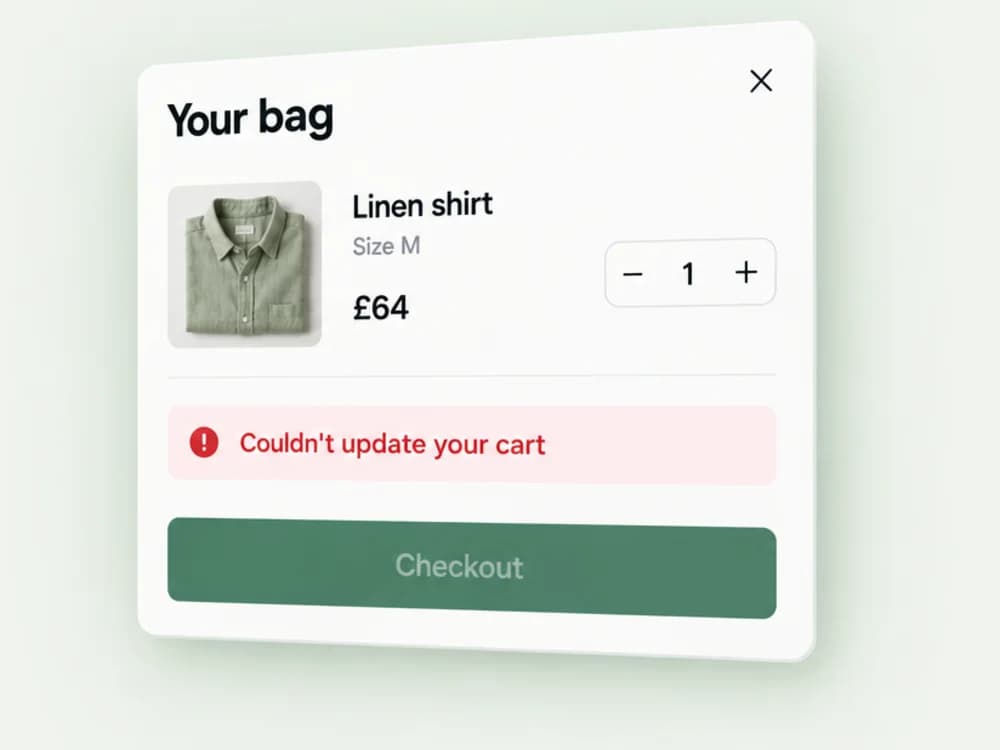
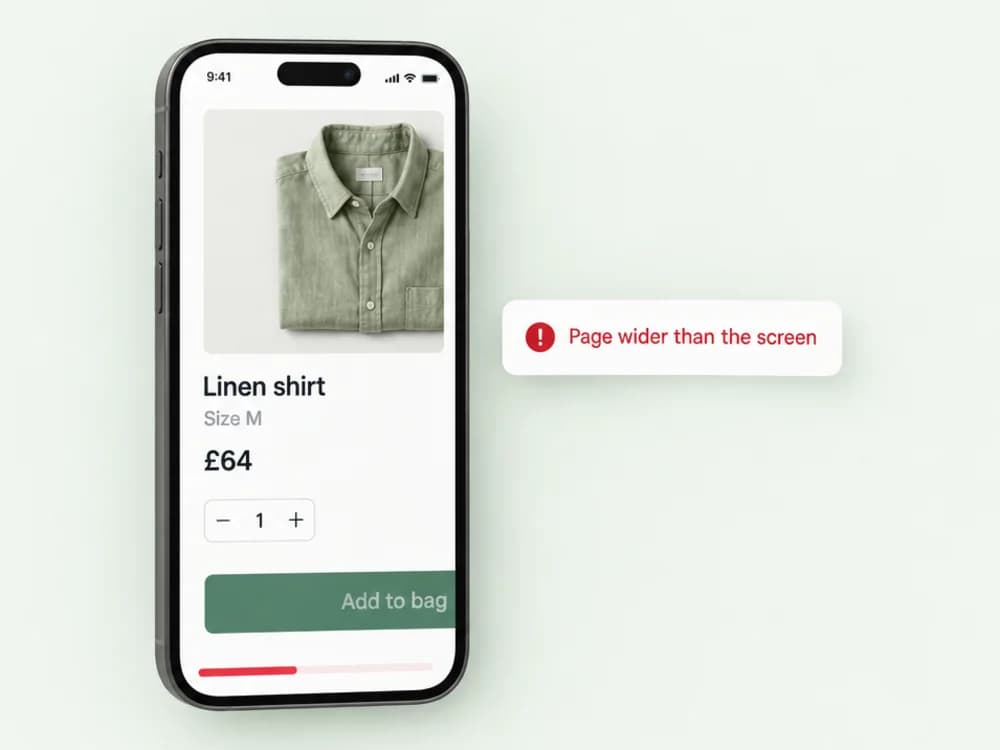
Cart drawer and add-to-cart errors.
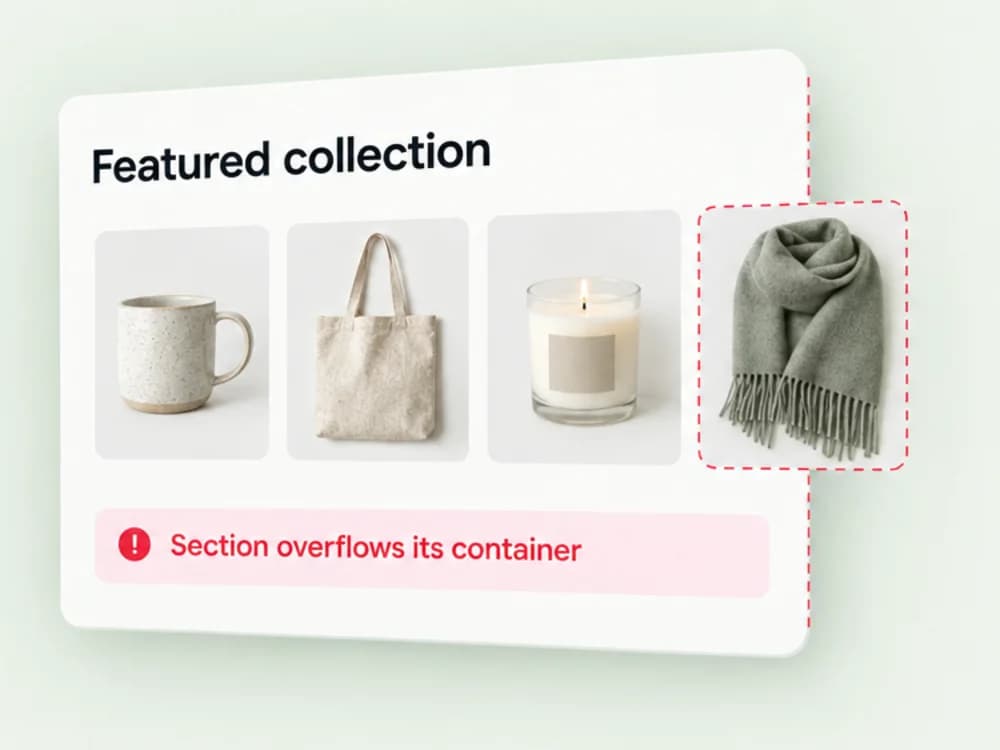
Theme section and template bugs.
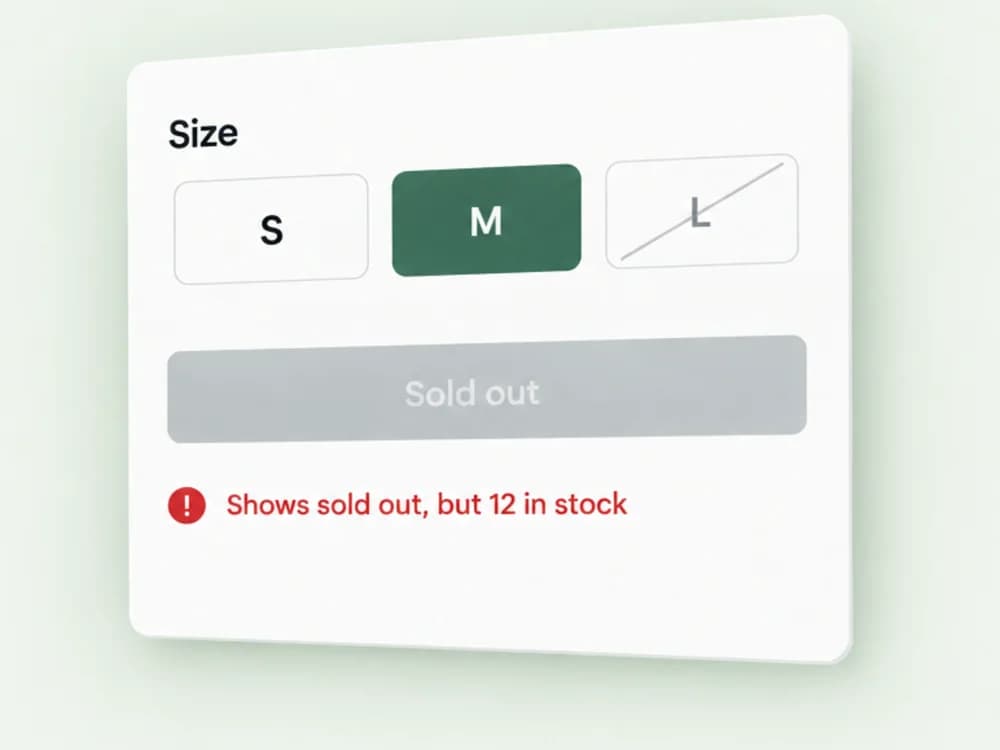
Broken product variants or product-page interactions.
Mobile layout and responsive issues.
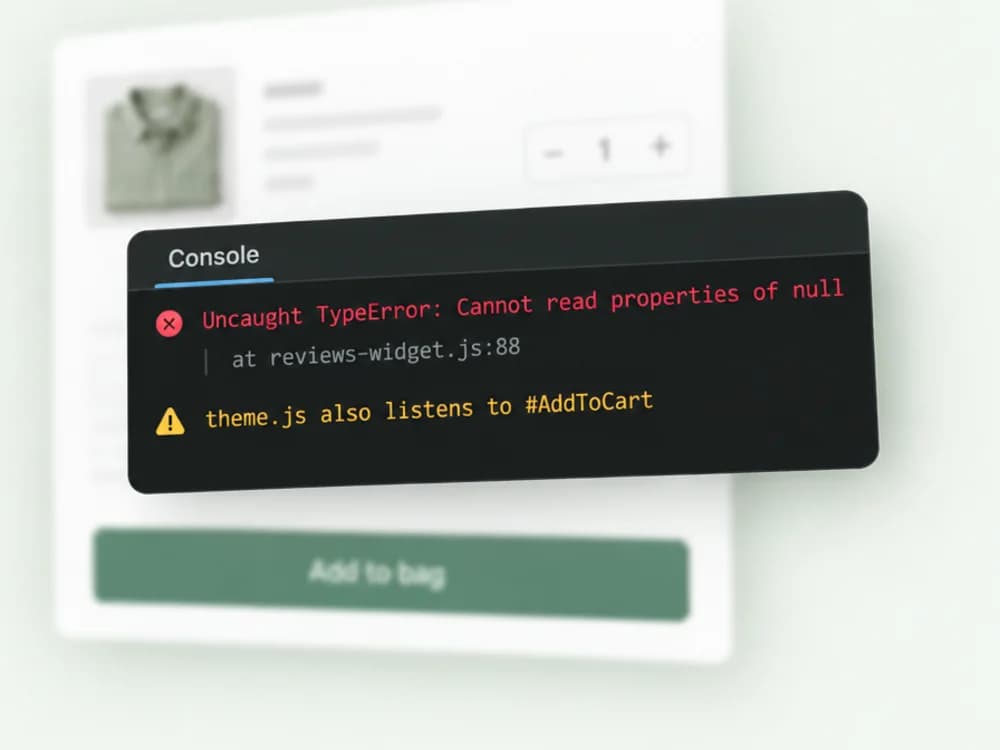
Conflicts between apps and theme scripts.
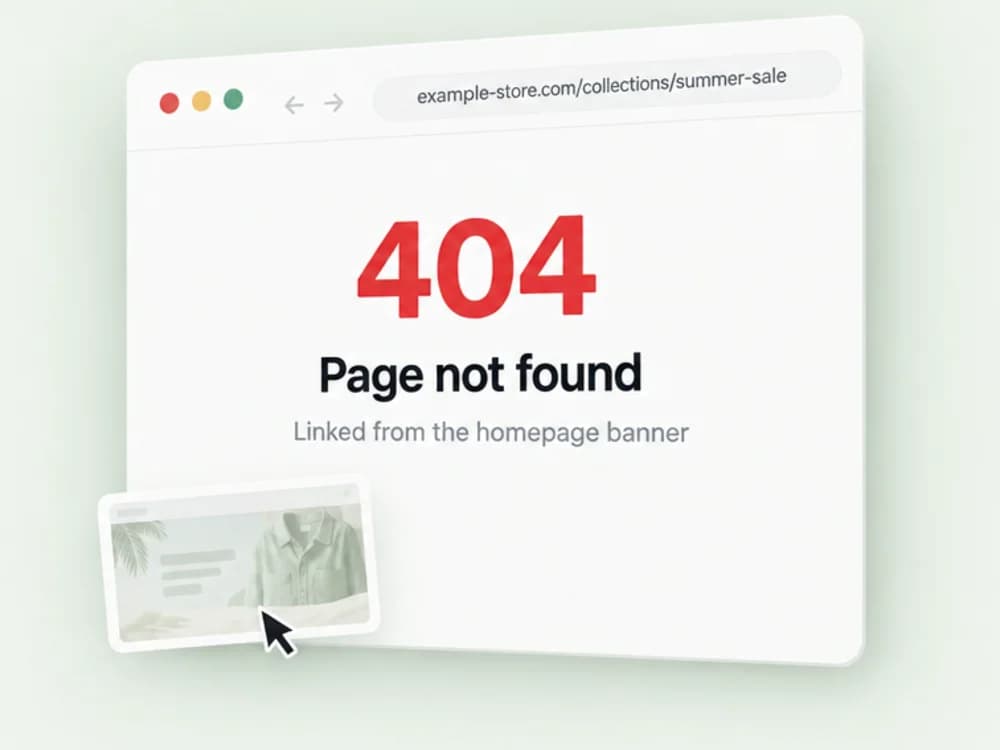
Broken links, display issues and unexpected storefront behaviour.
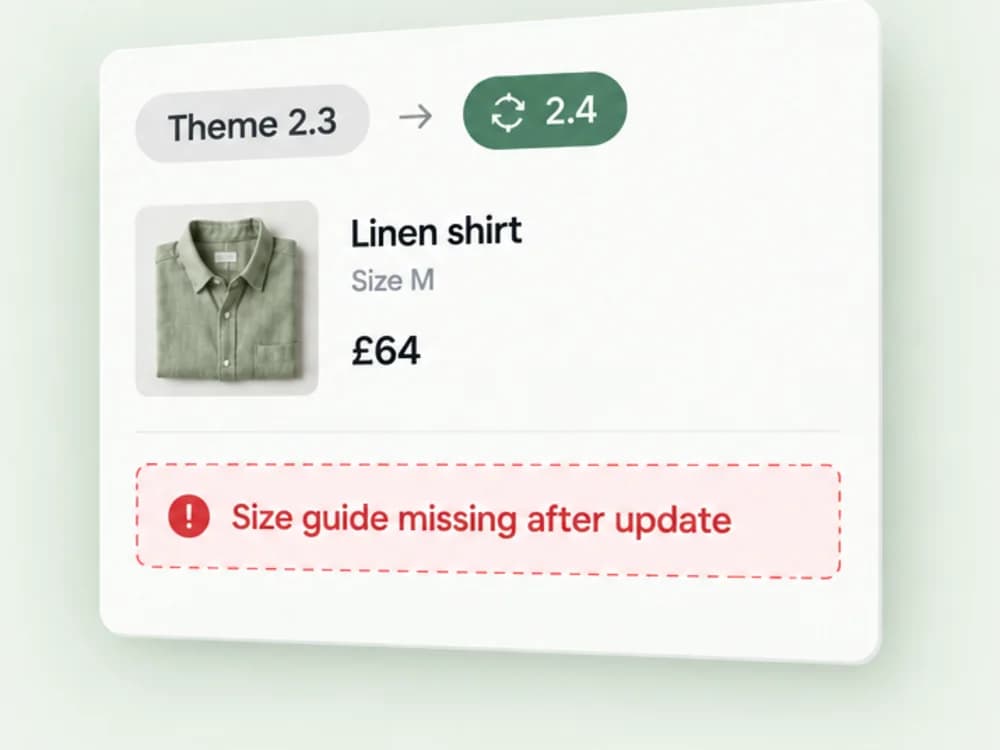
Problems following theme or app updates.
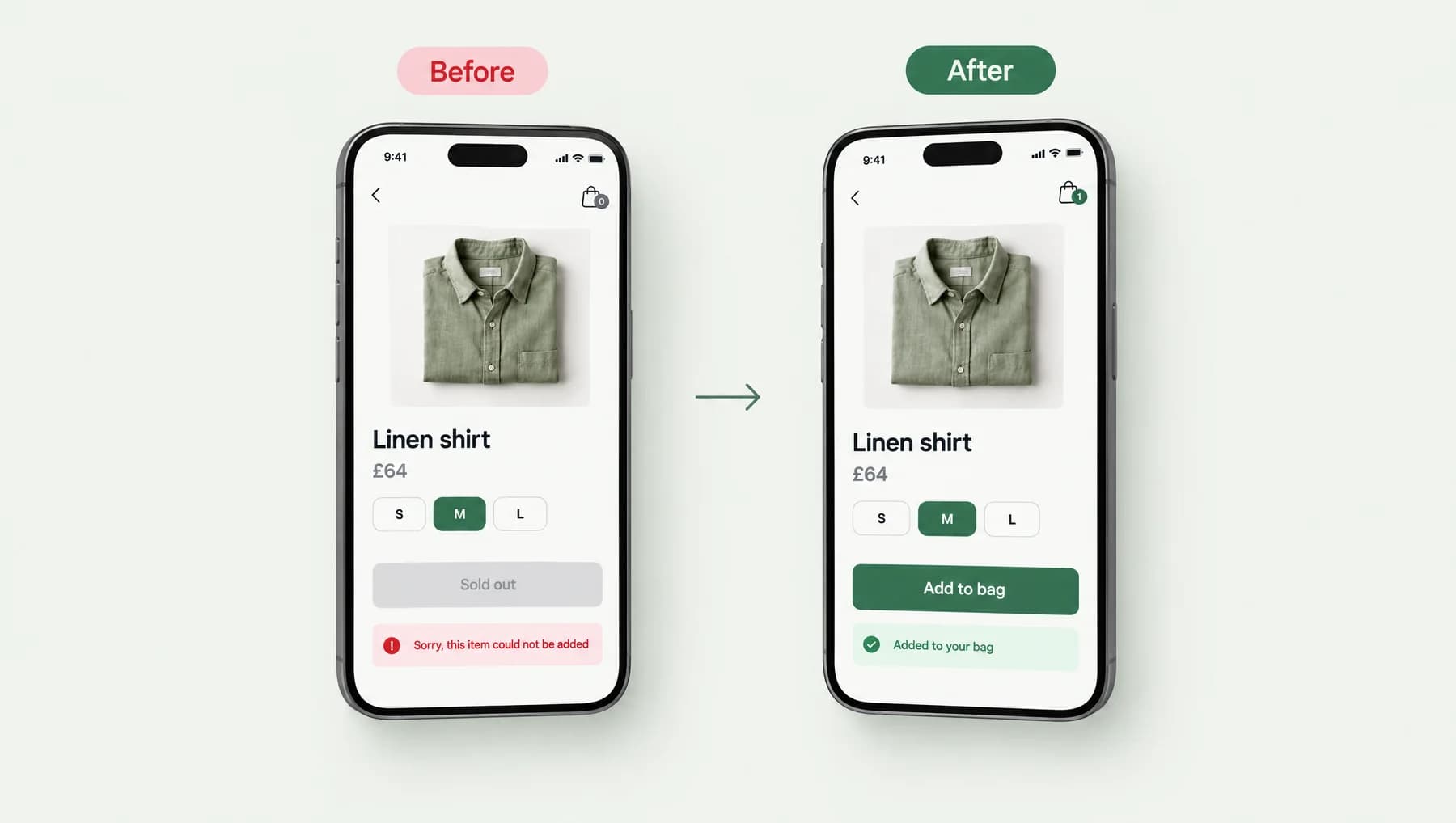
The same example issue from the top of the page: a size that would not add to the bag. Here is how it looked to a customer before and after the change.
Illustrative before-and-after of a product page. Before: size M is selected, the button shows sold out and an error says the item could not be added, with an empty bag. After: the same page with size M selected, the button says add to bag, a message confirms the item was added, and the bag shows one item. Beneath, two notes explain what was wrong and what changed. An illustration, not a completed client project.
Illustrative example · an illustration, not a completed client projectWe reproduce the issue, review the relevant code or configuration, make a targeted change and test the affected customer journey before handing back, so you are not finding out from a customer whether it worked.
We make the error happen ourselves, on the devices and browsers where your customers see it, so we are fixing the real thing.
We read the theme code, app scripts or settings involved and trace the problem to its source rather than its symptom.
The smallest change that fixes the cause, made in a preview theme first. Nothing else on the store is touched.
The affected customer journey is tested on real devices before the change goes live, and you get a short note of what changed and what was tested.
Illustrative test record for a fix: four customer journeys (adding each size to the bag, changing size in the cart drawer, applying a discount code, reaching checkout with two items) each marked as passed on the devices listed, run on a preview theme before going live.
Illustrative example · example test recordYes. Small, clearly defined fixes are welcome.
Usually some level of authorised access is required. We'll explain what is needed and use the least privilege practical.
Describe the issue and deadline in your enquiry. Availability is confirmed case by case.
Development
Custom theme work, storefront improvements and functionality tailored to how you sell.
Explore DevelopmentSEO & Performance
Investigate Core Web Vitals, reduce avoidable bottlenecks and make pages more stable and responsive.
Explore PerformanceGuides and case studies that explain this work in more depth.
Shopify Speed & Performance
Why product pages jump while they load, the theme habits that cause it, and how to trace a layout shift to the element responsible.
7 min read

Describe what's broken, where it happens and when it started. A screenshot or a link to the page helps. We'll confirm whether it's a quick fix or something larger before any work begins.
Tell us about your store and what you need. We'll review your enquiry and reply within one or two working days.
Helpful to include